Build Games with AI.
Create Playable Games with Prompts.
Turn text prompts into playable games in seconds. Publish to the instant swipe feed and play on iOS or in your browser — zero coding required.
A feed of playable worlds.
Arcade runs, cozy islands, puzzles, and experiments from the community — each one opens in a tap, not a store download. Browse all games.

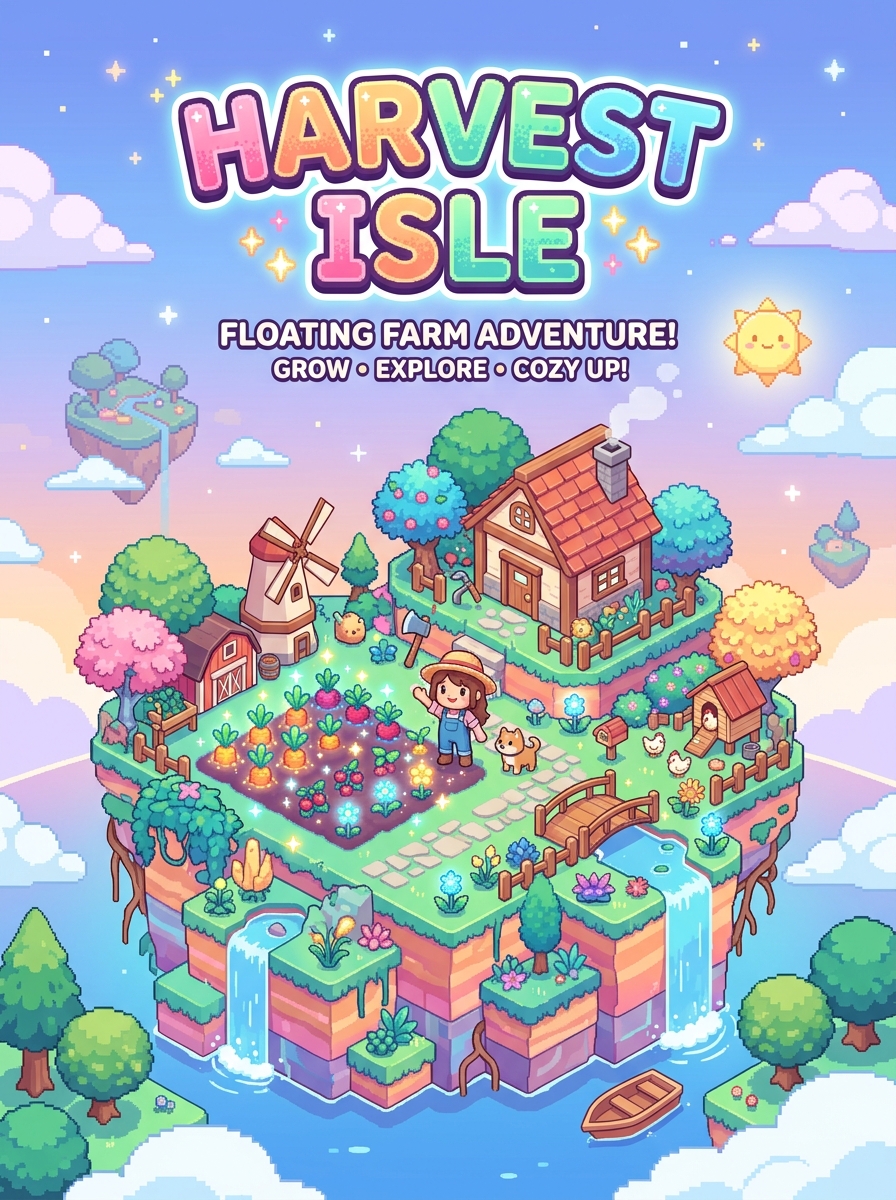

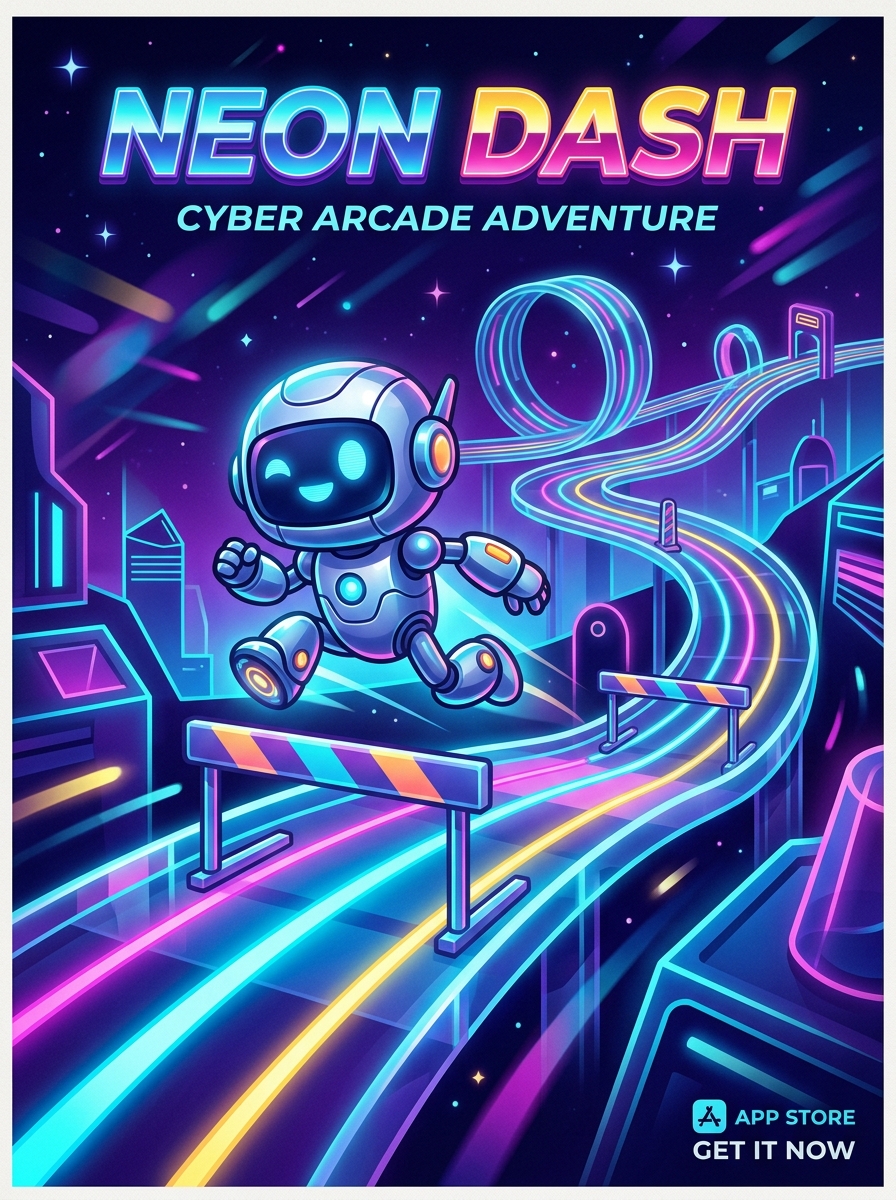



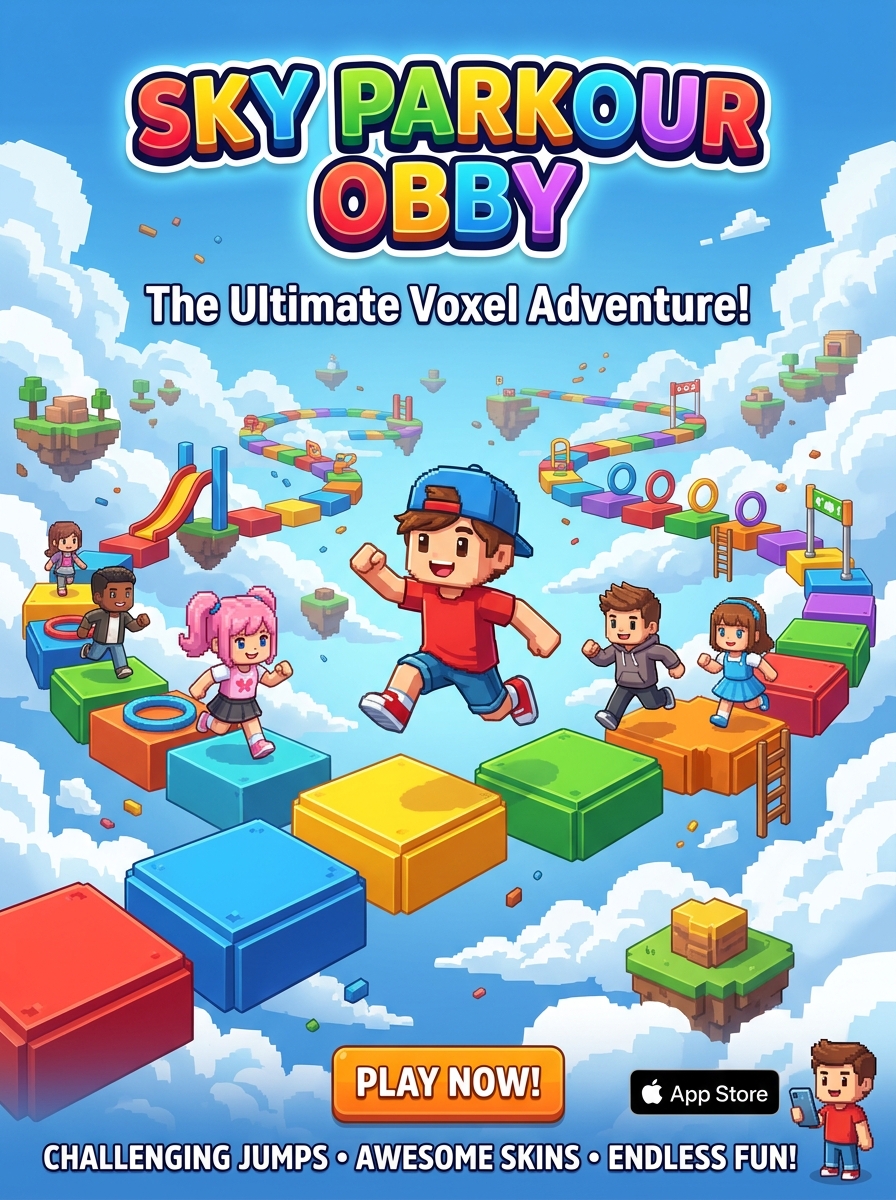

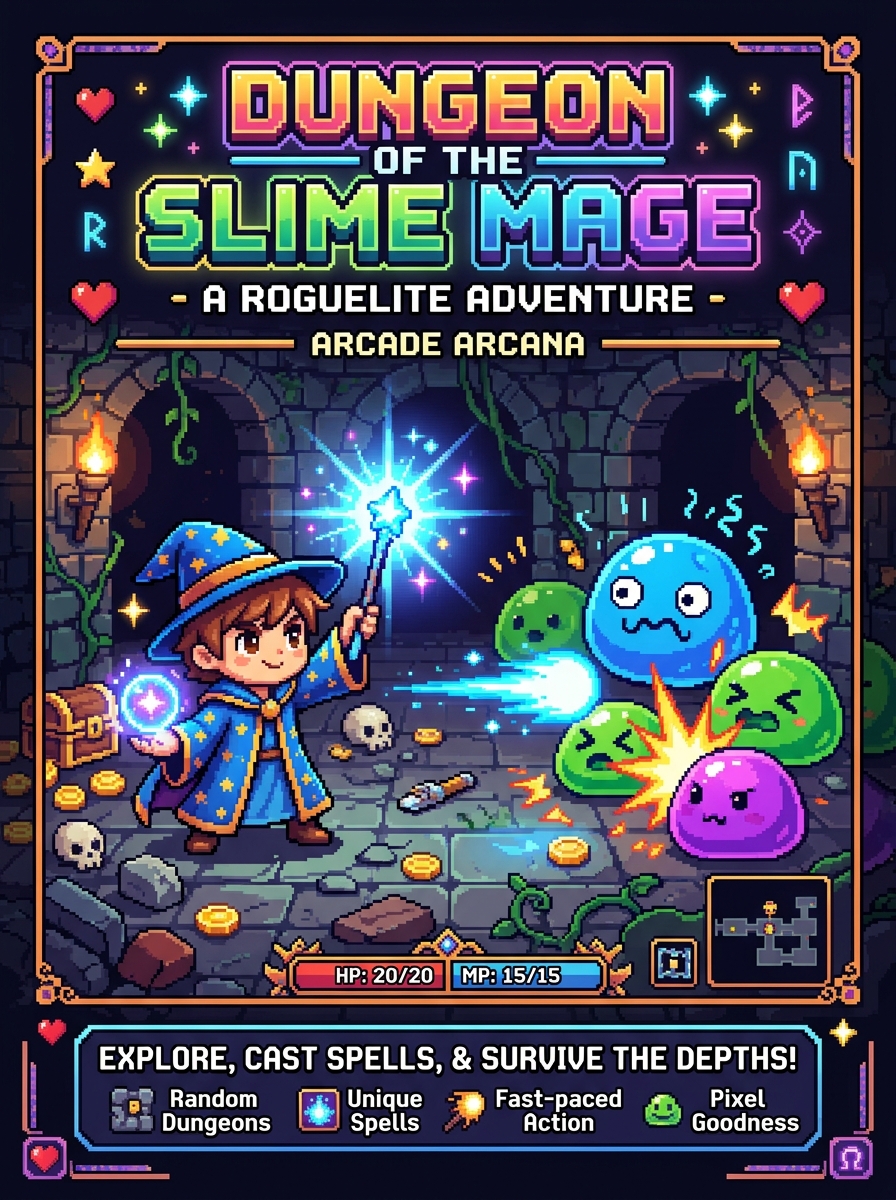

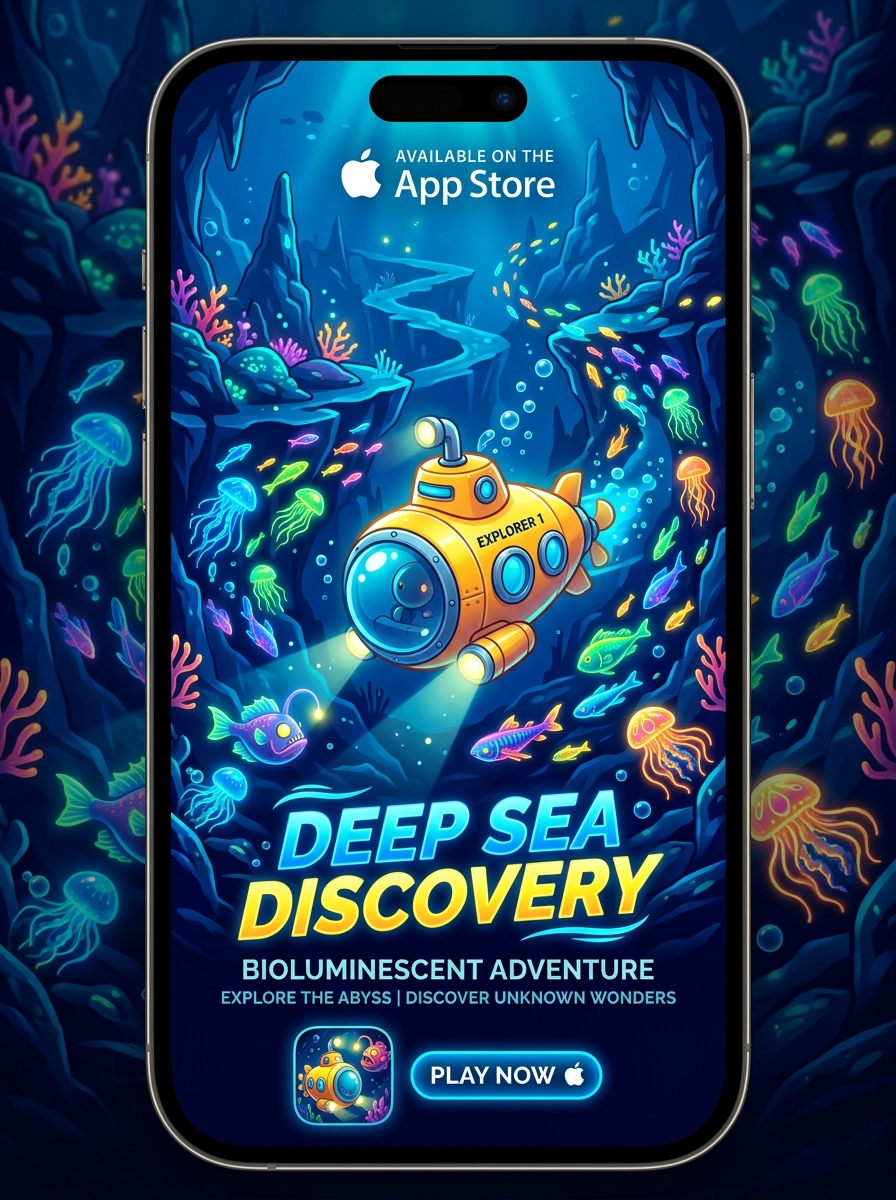

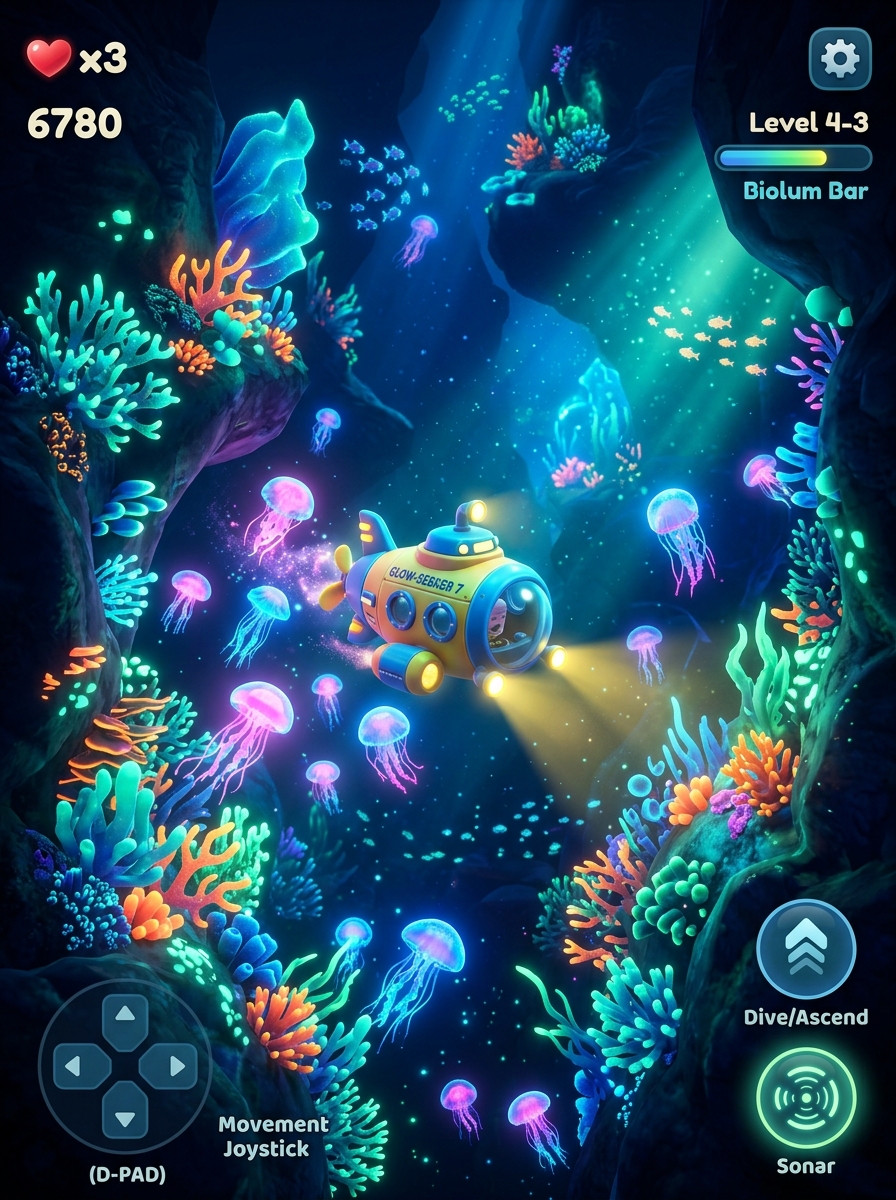

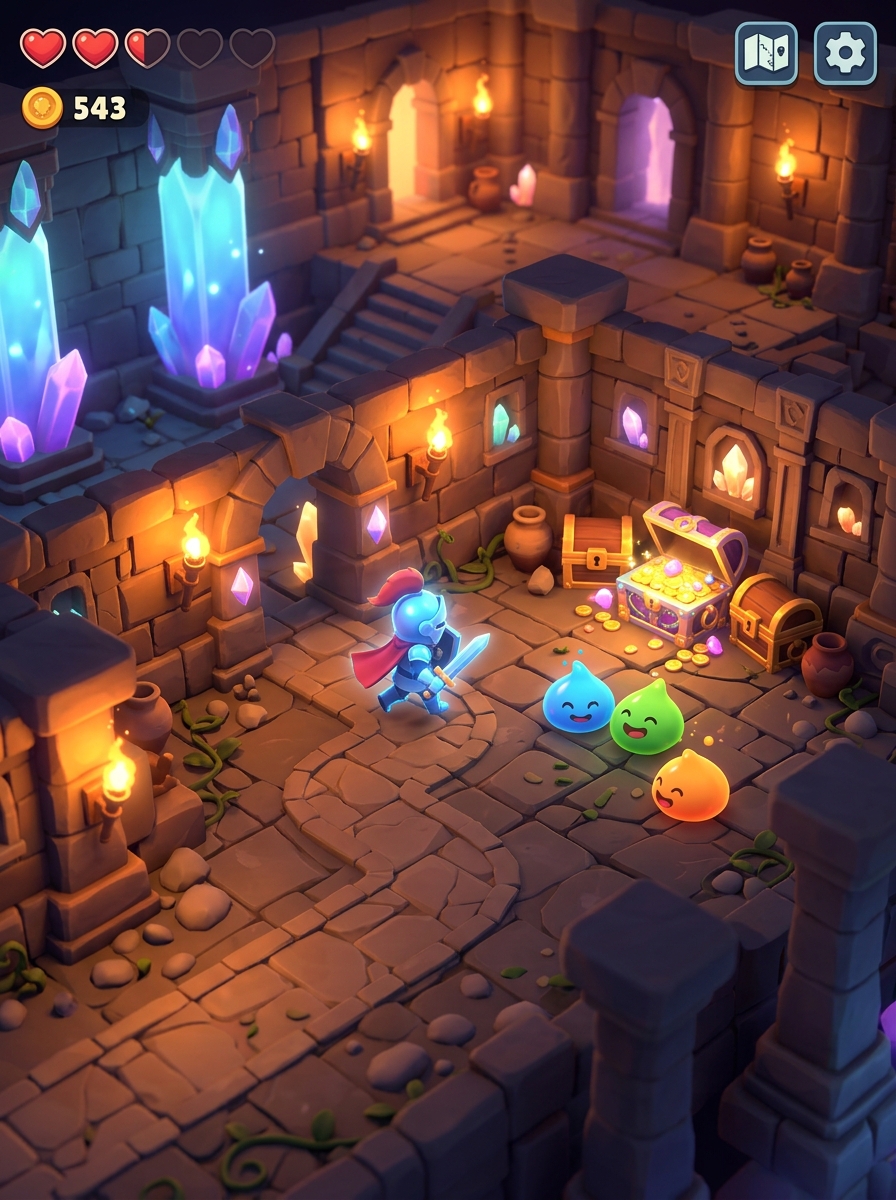








Create, publish, and play in one place.
Ludigram pairs an AI Create studio with a social feed — so a draft you ship on desktop shows up for friends on iOS the same day.
Play without waiting
Games open in the feed like clips — no separate install for every title, no App Store detour mid-swipe.
A feed that keeps moving
Scroll a rotating mix of community games. Every visit shuffles the route so you keep finding new play.
AI Create studio
Describe the vibe in plain language, iterate in chat, then publish a real HTML game to your profile and the feed.
Ship once, sync everywhere
One Ludigram account carries credits, publishes, and profile across desktop and the native iOS app.
Describe a world. Tweak it live.
A Ludigram demo running in your browser — scrub time, flip weather, and resize the island while you walk it.
Island expands and contracts dynamically as you drag. Time scrubs golden sunrise to starry midnight, Weather flips sunshine, rain or rainbow aurora, and Zoom pulls the camera close.
Your LudiTag. Your games. Your lane.
Claim a handle, publish from Create, and let players find you in Feed, Explore, and your public profile.
Frequently asked questions.
Everything you need to know about creating AI games, playing in the swipe feed, and syncing across iOS and the web.
How do I build a game with AI on Ludigram without coding? +
Simply type or speak your game idea into Ludigram's Create prompt—such as "a neon cyberpunk endless runner where you dodge drones"—or attach a reference sketch. Ludigram's AI Studio compiles a playable game draft in seconds that you can test, refine via follow-up chat prompts, and publish with zero coding.
Can I build a game with AI with no programming experience? +
Yes, absolutely. Ludigram is built entirely for non-coders and creators. The AI handles the complete game loop, physics engine, scoring, input controls, and visuals automatically from your plain-language text prompt.
What is the best AI tool to build games in 2026? +
Ludigram turns a text prompt into a playable 2D or 3D game in seconds — no coding required. You can test in the browser, remix community games, climb per-game Top 10 high-score boards, and publish to iOS and web. See our Best AI Game Maker 2026 comparison, try the free AI game maker, or open the AI game generator.
Does my Ludigram account sync between the iOS app and the web? +
Yes. Your Ludigram profile, published games, drafts, saved bookmarks, Ludis balance, and high scores sync automatically between the native iOS app and the web. Get Ludigram for iPhone on our AI Game Maker for iPhone page.
What types of games can I create and play on Ludigram? +
You can create and play arcade runners, physics puzzles, action shooters, card and board classics, cozy simulations, strategy defense games, and retro pixel adventures—all optimized for instant loading and vertical mobile or desktop play.
How does AI game remixing work on Ludigram? +
When playing any game in the Ludigram feed, tap the Remix button to fork the game into AI Studio. You can apply instant AI presets (such as Turbo Mode, Neon Cyberpunk theme, or Boss Rush) or write your own custom prompt — start from our AI game maker prompts — then publish your new version.
Is Ludigram free to use? +
Yes. Signing up and playing games in the Ludigram feed is free on both iOS and Web. Creators receive Ludis to generate AI games, with optional packs and Ludigram Plus for power creators. Learn more on our Free AI Game Maker page.